Effective rate management is one of Tokeet's key benefits. This article conducts an overview of rate features and how they are managed in Tokeet.
Add Rental Rates
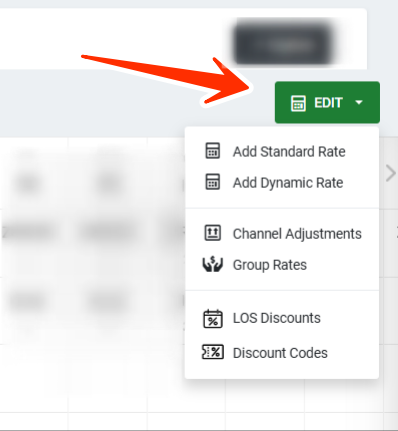
To create rates, navigate to Rates and click on the Edit button

On the menu, you will see a set of actions.
Select Rate Type
Standard Rate: a long-term, ongoing rate that describes the price of your rental over a period of time. It's essentially like the rates you use now on Flipkey and Homeaway. For more information, click here.
Dynamic Rate: this rate adjusts from low to high based on your occupancy percentage. For more information, click here.
Create Rate Categories
Rate Categories are labels you can use to group rates together. For example, you may want to have one rate category for Airbnb, a second rate category for Booking.com, and a third rate category for your Website.
For more information on rate categories, click here.
Push Rates
Once you've added rates and defined rate categories, you must push rates to your API channels. This process doesn't happen automatically and needs to be initiated by you:
By clicking "Actions > Push Rates" within the Channel Connection
Alternatively, if you mapped Tokeet rate categories to channel rate categories, by clicking "Push All Rates" within Rentals > Rates & Payments.
For more information on pushing rates, click here.
Same Rates for Different Rentals
You can easily create rates for multiple rentals at a time using Group rates.
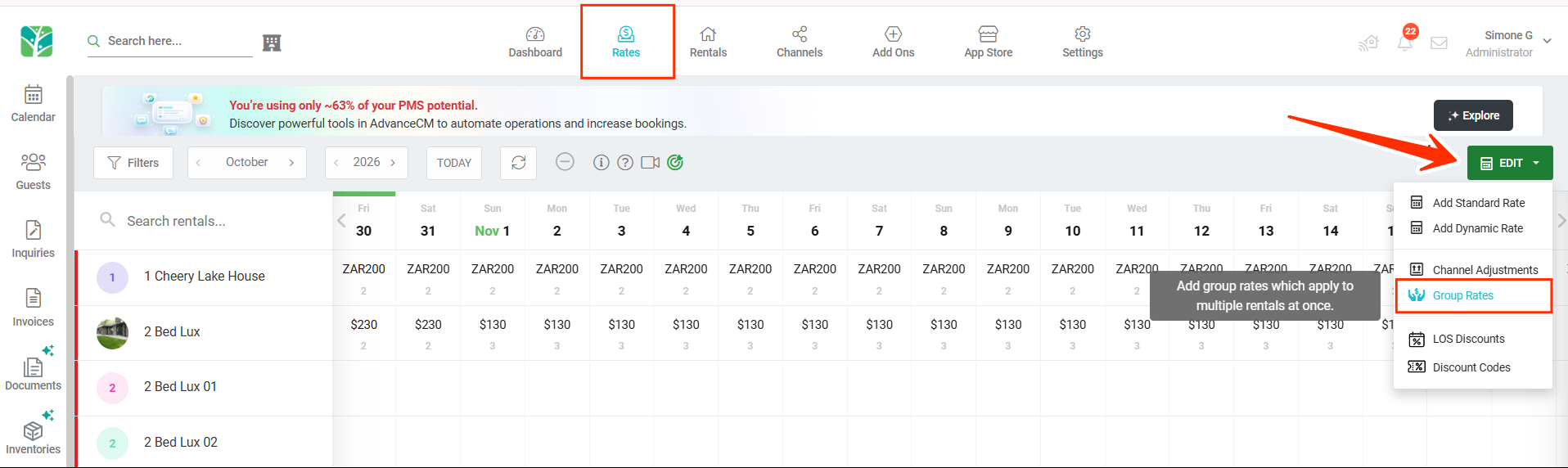
Navigate to Rates > EDIT > Group Rates
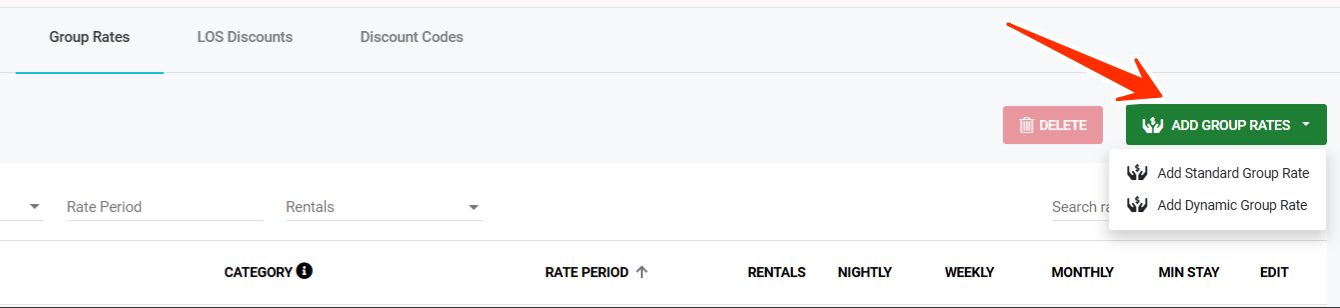
Click Add Group Rates to add your Standard or Dynamic Group rates.
Click the +Create button to save the rates.